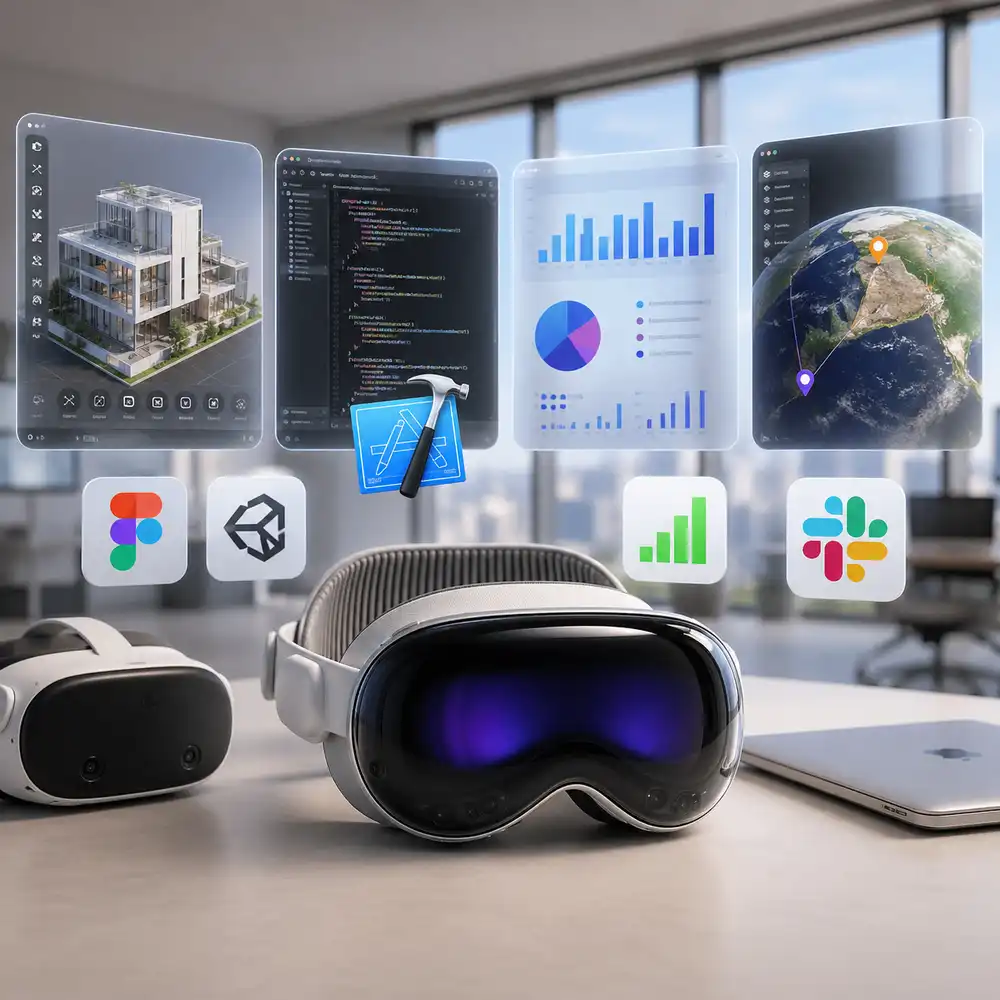
The Apple Vision Pro is no longer just a futuristic gadget sitting in a tech store. In 2026, it has become a serious tool for business teams, developers, and entire industries. If you have been curious about Apple Vision Pro business uses, this review breaks down everything in plain, simple language — from what the device actually does, to how real companies are using it right now, to whether the Vision Pro price is worth it for your team.
This article covers the full picture: spatial computing for business, the visionOS development environment, a side-by-side look at Apple Vision Pro vs Meta Quest, and the productivity apps that are making a real difference in workplaces today.
What Is Apple Vision Pro? A Quick Overview
Apple Vision Pro is a mixed reality headset built by Apple. It runs on visionOS, Apple’s operating system designed entirely for spatial computing. What makes it different from regular VR headsets is the way it blends the digital and physical worlds together. You can still see your surroundings through the headset, but virtual content appears on top of your real environment — floating windows, 3D models, apps, and more.
The device is powered by Apple’s M-series chip and a dedicated R1 chip that processes real-world sensor data in under 12 milliseconds. It features 12 cameras, five sensors, six microphones, and micro-OLED displays with 23 million total pixels — making it one of the sharpest display systems ever built into a headset. The current Vision Pro price starts at $3,499.
Since launching in February 2024, the Apple Vision Pro has had a complicated journey in the consumer market — but it has found a very clear home in the enterprise world. As of 2026, enterprise AR and business applications have become the device’s strongest selling point.
Apple Vision Pro Business Uses: Where the Real Value Is
According to data shared by Apple CEO Tim Cook on a 2024 earnings call, half of Fortune 100 companies had already purchased at least one Apple Vision Pro. Reports from late 2025 confirmed that enterprise remains Vision Pro’s largest market — despite slower consumer adoption.
So what are these businesses actually doing with it? Here are the most important Apple Vision Pro business uses happening right now.
1. Employee Training and Skill Development
One of the strongest Apple Vision Pro business uses is immersive employee training. Instead of videos or manuals, workers can step into a 3D simulation of their real work environment. This is especially valuable in high-risk fields where mistakes are costly.
- Canadian aviation company CAE Inc. uses Apple Vision Pro in its pilot training programs. Trainees practice in virtual cockpits that closely replicate real flight scenarios. Executives at CAE report that the headset cuts training time and improves knowledge retention — potentially saving millions in operational costs.
- Aircraft maintenance technicians at KLM use the Engine Shop Vision Pro app for work to identify torque sequences step by step, keeping both hands free during installations.
- Medical company Stryker empowers surgeons to review surgical plans in a detailed, immersive 3D environment before entering the operating room.
Published ROI figures from enterprise spatial computing vendors have consistently stayed in the 200 to 300 percent range, with payback periods often under six months — driven by faster onboarding and better knowledge retention.
2. Product Design and Prototyping
Spatial computing for business is transforming the way designers and engineers review their work. With Apple Vision Pro, teams can examine full-size 3D models of products without building physical prototypes.
- Volkswagen uses the Innoactive platform with Apple Vision Pro to visualize and assess vehicle parts digitally. Teams from across the globe can view and interact with the same 3D model at the same time.
- Dassault Systèmes, the French engineering software company, has integrated Apple Vision Pro into its design workflow to allow engineers to work with CAD models in a shared spatial environment.
- The Spatial Analogue app allows product stakeholders to collaborate and iterate on virtual 3D objects — cutting the time it takes to move from concept to approval.
This makes Apple Vision Pro business uses in engineering and manufacturing extremely compelling, especially for companies that spend heavily on prototype development.
3. Retail and Customer Experience
Home improvement giant Lowe’s is using Apple Vision Pro to help customers design their kitchens. Sales associates use the device to project 3D models of cabinets and appliances directly into a customer’s home through virtual overlays. This reduces product returns and speeds up the sales process significantly.
The Spatial Delivery app also gives retail designers the ability to see store layouts in full scale, rearrange product placements, and review performance data — all without setting foot in the store. These are strong examples of spatial computing for business delivering real, measurable results.
4. Healthcare and Medical Applications
Enterprise AR is making a serious impact in healthcare. The DataM Intelligence research group reports that spatial computing is improving patient care and enhancing medical accuracy across the industry.
- San Diego’s Sharp HealthCare launched a dedicated Spatial Computing Center of Excellence focused on using the Apple Vision Pro for medical training and patient care.
- Surgeons can now review detailed 3D scans of a patient’s anatomy before a procedure — examining bones, organs, and surgical paths layer by layer.
- The BILT 3D Immersive Instructions app helps medical and technical professionals follow complex step-by-step guides in 3D space, reducing errors during procedures.
For the healthcare sector, the Apple Vision Pro review from real practitioners has been overwhelmingly positive in terms of accuracy and confidence during complex tasks.
5. Remote Collaboration and Virtual Meetings
One of the most discussed Vision Pro apps for work is the SharePlay feature inside visionOS. This allows multiple users wearing an Apple Vision Pro to share the same virtual workspace in real time. Teams located in different countries can work on the same 3D project as if they are sitting in the same room.
visionOS 26 introduced Spatial Personas 2.0, which now supports up to five simultaneous participants in a shared environment — making mixed reality meetings feel far more natural and productive. This development is a major step forward for spatial computing for business communication.
visionOS Development: What Developers Need to Know
visionOS development is one of the most exciting opportunities for mobile and app developers right now. Because visionOS is built on the same foundation as iOS and iPadOS, developers who already know Apple’s tools can get started without learning a completely new system.
Core Tools for visionOS Development
Apple’s developer ecosystem for visionOS development includes these key tools and frameworks:
- SwiftUI — The primary framework for building visionOS apps. It supports 3D layouts, depth effects, hover animations, and all the new spatial interaction styles introduced in visionOS 26.
- RealityKit — Apple’s 3D rendering engine used to display and animate objects in mixed reality. It handles lighting, shadows, physics, and material effects automatically.
- ARKit — Provides detailed real-world context to apps, including room mapping, plane detection, and object recognition for enterprise AR experiences.
- Reality Composer Pro — A visual tool for preparing and previewing 3D models, animations, and sounds for visionOS apps. It connects directly to Xcode.
- Unity — Game and 3D developers can use Unity’s familiar tools to build Vision Pro apps for work and games, accessing all the benefits of visionOS including passthrough and foveated rendering.
- Xcode 26 — Starting April 28, 2026, all visionOS apps submitted to the App Store must be built using the visionOS 26 SDK or later.
One of the big advantages of visionOS development is that most existing iOS and macOS apps can be brought to the platform with minimal code changes. The app will appear as a scalable window inside the user’s surroundings.
New Features in visionOS 26 for Developers
visionOS 26 brought significant new capabilities for developers building Vision Pro apps for work. Key highlights include:
- Enhanced volumetric APIs in SwiftUI for richer 3D layouts
- Unified Coordinate Conversion API for easier spatial positioning
- Faster hand tracking and input support from spatial accessories
- Return to Service for shared enterprise devices
- Protected Content APIs for handling confidential data securely
- Window Follow Mode — keeps reference data visible for workers moving around a workspace
- Apple Immersive Video integration directly into apps
- Spatial web experiences deliverable through Safari
For visionOS development, the revenue story is encouraging. Analytics firm Sensor Tower reported that the average visionOS app generated around $14,800 in net revenue during February 2026 — nearly three times the average revenue for apps on competing platforms.
Vision Pro Apps for Work: Top Productivity Tools
The productivity apps Vision Pro catalog is growing steadily. Here are some of the most used Vision Pro apps for work in 2026:
- Microsoft 365 (Word, Excel, Teams) — Runs natively as a compatible app in visionOS, giving users a floating multi-window workspace without a physical desk.
- Spatial Analogue — Built for product designers and engineers who need to review and collaborate on 3D models in mixed reality.
- BILT 3D Immersive Instructions — Helps professionals in construction, electrical work, and healthcare follow step-by-step visual guides hands-free.
- Engine Shop by KLM — Designed for aviation technicians performing complex maintenance tasks.
- Innoactive Platform — An enterprise training platform used by companies like Volkswagen for spatial computing for business simulations.
- Figma, SAP, and Autodesk — All shipped major spatial computing updates to their platforms in early 2026, making design and data management more immersive for professionals.
As of 2026, the visionOS App Store has approximately 3,000 apps designed specifically for the platform. The majority of them are enterprise-focused, reflecting the device’s strongest user base.
Apple Vision Pro vs Meta Quest: Which Is Better for Business?
The Apple Vision Pro vs Meta Quest debate is one of the most common questions businesses ask before investing in a headset. Here is an honest comparison based on current data.
Display Quality
The Apple Vision Pro uses dual micro-OLED displays with 23 million total pixels. The Meta Quest 3 uses LCD displays with approximately 8.6 million pixels. For tasks that require visual precision — like surgical planning, engineering review, or retail design — Apple Vision Pro has a clear advantage. This is a key factor in the overall Apple Vision Pro review for professional settings.
Price
The Vision Pro price is $3,499. The Meta Quest 3S starts at $299 and the Quest 3 at $499. For enterprise teams deploying dozens of devices for training, the Apple Vision Pro vs Meta Quest comparison often comes down to use case. If the task requires the highest visual fidelity and deep Apple ecosystem integration, Vision Pro wins. If you need to deploy large numbers of headsets for basic simulation training, Meta Quest offers a much lower per-unit cost.
App Ecosystem
Meta’s Horizon OS currently supports over 4,200 active titles compared to roughly 2,100 on visionOS. However, visionOS apps generate nearly three times the revenue per title — showing that while Meta has more apps, Apple Vision Pro attracts higher-value enterprise and professional use cases.
Enterprise Management
Apple’s new Business 2.0 app (launched in 2026) now covers Apple Vision Pro along with iPhone, iPad, and Mac — making it simple to deploy, enroll, and manage Vision Pro devices at scale through mobile device management systems. This is a significant improvement for IT teams managing fleets of devices.
Processing Power
The Apple Vision Pro runs on Apple’s M5 chip paired with the R1 real-time sensor chip. The Meta Quest 3S uses the Snapdragon XR2 Gen 2. For demanding spatial workloads — 3D rendering, multi-user mixed reality sessions, or AI-powered interactions — the M5 system is more powerful. This gives visionOS development on Vision Pro a performance ceiling that competitors cannot match at this time.
Apple Vision Pro Review: Pros and Cons for Business
Pros
- Best-in-class display quality for precision work in enterprise AR
- Deep integration with existing Apple devices (Mac, iPhone, iPad)
- Growing library of Vision Pro apps for work and enterprise tools
- Hands-free spatial computing that keeps workers more productive
- Strong visionOS development ecosystem using familiar Apple frameworks
- Powerful M5 + R1 chip combination handles complex real-time tasks
- Proven ROI in training, design, and healthcare — often 200–300% returns
Cons
- High Vision Pro price at $3,499 makes wide deployment expensive
- Heavier than competing headsets — not comfortable for all-day wear
- Only about 3,000 visionOS-native apps currently available
- Currently supports only single-user mode — multi-user sharing is still limited
- Battery life is 2 to 2.5 hours of general use
- Not ideal for environments with heavy physical movement or outdoor use
The Extended Reality Market: Why This Matters Now
The market for spatial computing and mixed reality is expanding rapidly. Mordor Intelligence placed the extended reality market at $10.64 billion in 2026, up from $7.55 billion the previous year — with a compound annual growth rate above 40 percent through 2031. Grand View Research put the enterprise metaverse category at $59.87 billion in 2026, with corporate training accounting for roughly 60 percent of the total market share.
These numbers show that businesses investing in spatial computing for business today are not taking a risk — they are positioning themselves ahead of a major shift in how work gets done. The Apple Vision Pro sits at the premium end of this market, offering a platform that is built to last as the ecosystem matures.
Apple also has a clear roadmap ahead. Reports suggest an updated Vision Pro with an M5 or M6 chip is in development, and analyst Ming-Chi Kuo has projected a lighter, more affordable “Vision Air” model arriving around 2027 — estimated to be more than 40% lighter and more than 50% cheaper than the current generation.
Who Should Buy Apple Vision Pro for Business?
Apple Vision Pro business uses make the most sense in the following scenarios:
- Healthcare and surgical training — Where visual precision directly impacts patient outcomes
- Engineering and product design — Where 3D prototyping replaces costly physical models
- Aviation and industrial training — Where hands-free instructions and simulation improve safety
- Retail design and sales — Where immersive product visualization increases conversion
- Remote collaboration — Where mixed reality meetings replace flat-screen video calls
- App developers — Who want to build Vision Pro apps for work for a growing, high-value audience
The Vision Pro price is too high for casual consumer use, but for industries where the technology solves a real, measurable problem, the return on investment is already proven.
Conclusion: Is Apple Vision Pro Worth It for Business in 2026?
The Apple Vision Pro review for business in 2026 tells a clear story. This device is not a toy, and it was never meant to be one. It is a precision spatial computing tool that is delivering real results in healthcare, aviation, retail, engineering, and corporate training. Half of Fortune 100 companies already own one — and more are exploring its potential every month.
For developers, visionOS development offers one of the most lucrative and exciting platforms available today. For businesses, Apple Vision Pro business uses are expanding quickly as the app ecosystem grows and enterprise APIs become more powerful. And for decision-makers comparing Apple Vision Pro vs Meta Quest, the answer depends entirely on your use case — but for high-precision, high-value enterprise tasks, Apple Vision Pro leads the market.
The Vision Pro price is still a barrier for many organizations, but for teams where immersive spatial computing can reduce training time, eliminate costly prototypes, or improve patient outcomes — the investment is well justified. As the platform matures through visionOS 26 and beyond, Apple Vision Pro is quietly becoming the most important new computing tool for serious business teams.
If you are a developer or a business leader thinking about entering the world of spatial computing for business, 2026 is the right time to explore what Apple Vision Pro can do for you. The ecosystem is growing, the tools are strong, and the use cases are proven.